A useful home-game record starts before the first hand and ends only after the chips and money reconcile. HG Poker lets one host add players by name on one phone, record buy-ins and rebuys, work through guided chip counts, enter cashouts, and save the roster and results for later games.
Good to Know
Illustrative example—not a customer record. The six names and every dollar amount below are invented. Product screenshots show real HG Poker screens, but their figures are separate from the example ledger.
The six-player example
Alex, Blake, Casey, Drew, Erin, and Finn each start with a $50 buy-in. Later, Alex and Drew each rebuy for $50. The host has issued $400 in chip value: $300 from the first buy-ins plus $100 from rebuys.
- 1Before the game: add the six players by name and confirm the starting buy-in.
- 2During play: record Alex’s and Drew’s rebuys when the extra chips are issued.
- 3Early exit: count Finn’s chips and record a $60 cashout value before those chips leave play.
- 4At the end: use the guided count for the remaining stacks and confirm all cashout values total $400.
- 5After the game: settle through the group’s agreed payment method outside the app, then keep the completed results for next time.
Watch with chapters and the full transcript →
Home Game Poker App: Full Walkthrough for Hosts (Every Feature, 2026)
Read the full guide: Best Home Poker Apps: Which One Fits Your Game?
Before the first hand: build the roster
Create the cash game and add each player by name from the host’s phone. Confirm the game format and starting amount with the table before issuing chips. For a recurring group, the saved roster reduces the setup you need to repeat next game.
Pro Tip
Choose how money will move before play starts. If everyone prepays a cash bank, the bank later returns full cashout values. If nobody prepays, settle net results at the end. Mixing those two records without checking payments can pay someone twice.
During the game: record money when chips move
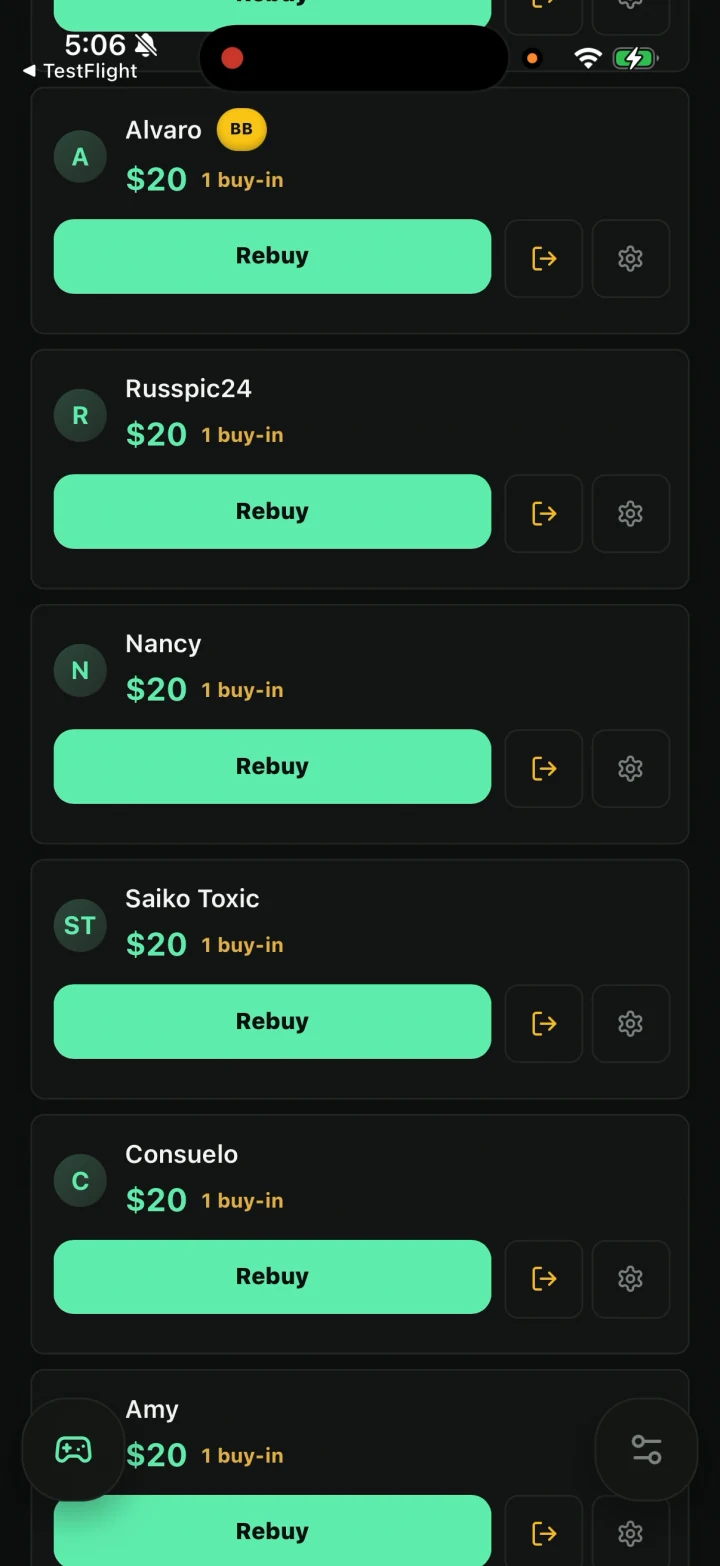
Record the first buy-in for each player as chips are issued. When Alex and Drew rebuy, record another $50 for each at that moment. The ledger should now show $100 invested for Alex, $100 for Drew, and $50 for each of the other four players.
This timing matters. A note reconstructed after the final hand can miss a rebuy. A live record gives the host one place to check how much chip value entered the game while still playing.
Stop doing the math manually.
HG Poker logs buy-ins and rebuys and suggests who pays whom after the chip count. Players pay each other outside the app. Try it on iPhone or Android.
When Finn leaves early: separate value from payment
Finn leaves with $60 in chips. Count and record a $60 cashout value, then remove those chips from play. His result is +$10 because he invested $50 and cashed out for $60.
Watch Out
Cashout value and payment status are different. If Finn already received $60 from a prepaid bank, do not also include him as still owed $10 in a net transfer plan. If nobody paid upfront and Finn received nothing when he left, his +$10 remains part of the final net settlement.
At the last hand: count, cash out, and reconcile
Use the guided chip-count flow to value the five remaining stacks. In this example their cashout values are Alex $130, Blake $80, Casey $60, Drew $40, and Erin $30. Add Finn’s earlier $60 cashout: $130 + $80 + $60 + $40 + $30 + $60 = $400, which matches the $400 issued.
If the cashout total does not match buy-ins plus rebuys, pause before settling. Recount stacks, review rebuy entries, and make sure Finn’s removed chips were included once—not omitted and not counted twice.
Settle outside the app using the correct payment model
HG Poker records the game and settlement information; players still send money through the method your group chooses outside the app. In a fully unpaid net-settlement version of this example, Drew pays Alex $30 and Blake $30, while Erin pays Casey $10 and Finn $10.
If all $400 was prepaid to a cash bank instead, do not use those four net transfers. The bank returns the full cashout values, including Finn’s $60 if it was not already paid when he left.
Check the full six-player settlement ledger and payment explanation
Run the numbers in the free poker settlement calculator
Finish the record and return next game
Once the group confirms the figures and handles payments, complete the game record. HG Poker saves the roster and results, so a player with an account can connect their history and the host can return to the regular group next game without rebuilding the record from scratch.
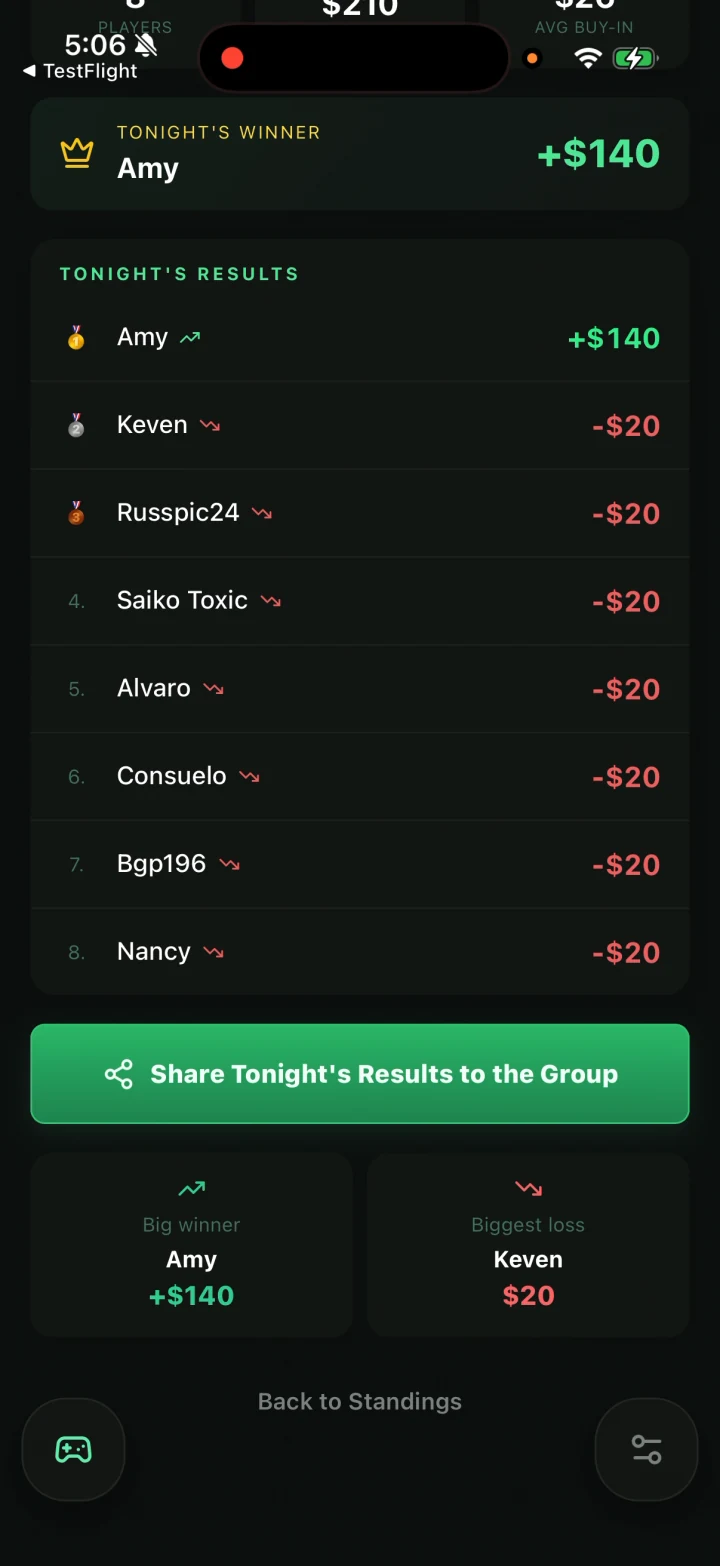
See how HG Poker works from setup through saved results
Run the same game from a laptop or iPad with the HG Poker web app
Ask ChatGPT or Claude about your saved games with the HG Poker connector
New hosts can run real games free before deciding. Start free, keep the ledger current as chips move, and reconcile the table before anyone sends or receives money.
Ready to run a cleaner poker night?
HG Poker is free to download. Setup takes 2 minutes.